
Lately I have been working on a customer project where I had to use a company managed Window device. Normally I work on a Mac to do my development work. So I configured my brand new Windows device and also... Continue Reading →
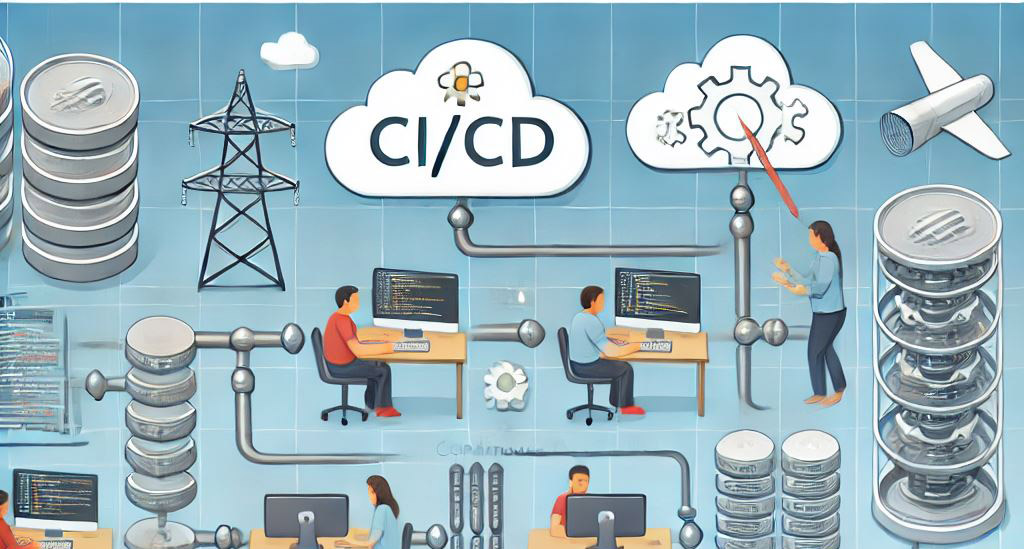
Continuous Integration and Continuous Deployment (CI/CD) have become a common task within projects these days. This is also true for building extensions for Microsoft 365 using the SharePoint Framework (SFPx). My main tool for deploying SPFx packages to SharePoint Online,... Continue Reading →
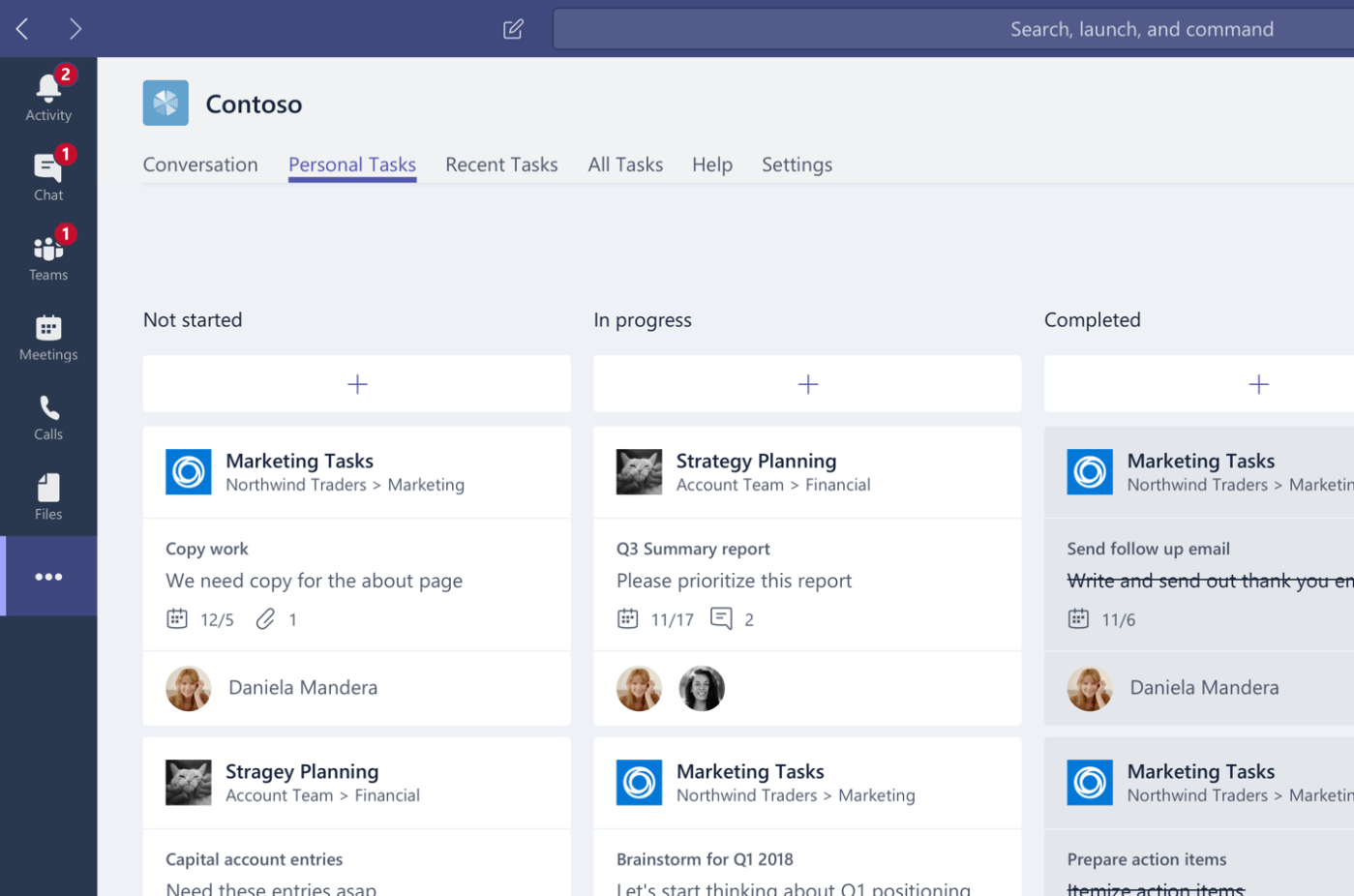
Microsoft SharePoint Framework (SPFx) supports, since version 1.10.0, the ability to create Personal Apps for Microsoft Teams. A Personal App in Microsoft Teams is an App that a user can install and can be accessed through the left rail in... Continue Reading →

In a comment on LinkedIn about my blog post about Microsoft Teams app setup policies, my old colleague Renso Jacobs asked me if I could write a blog post about how easy it is to create a Microsoft Teams App.... Continue Reading →
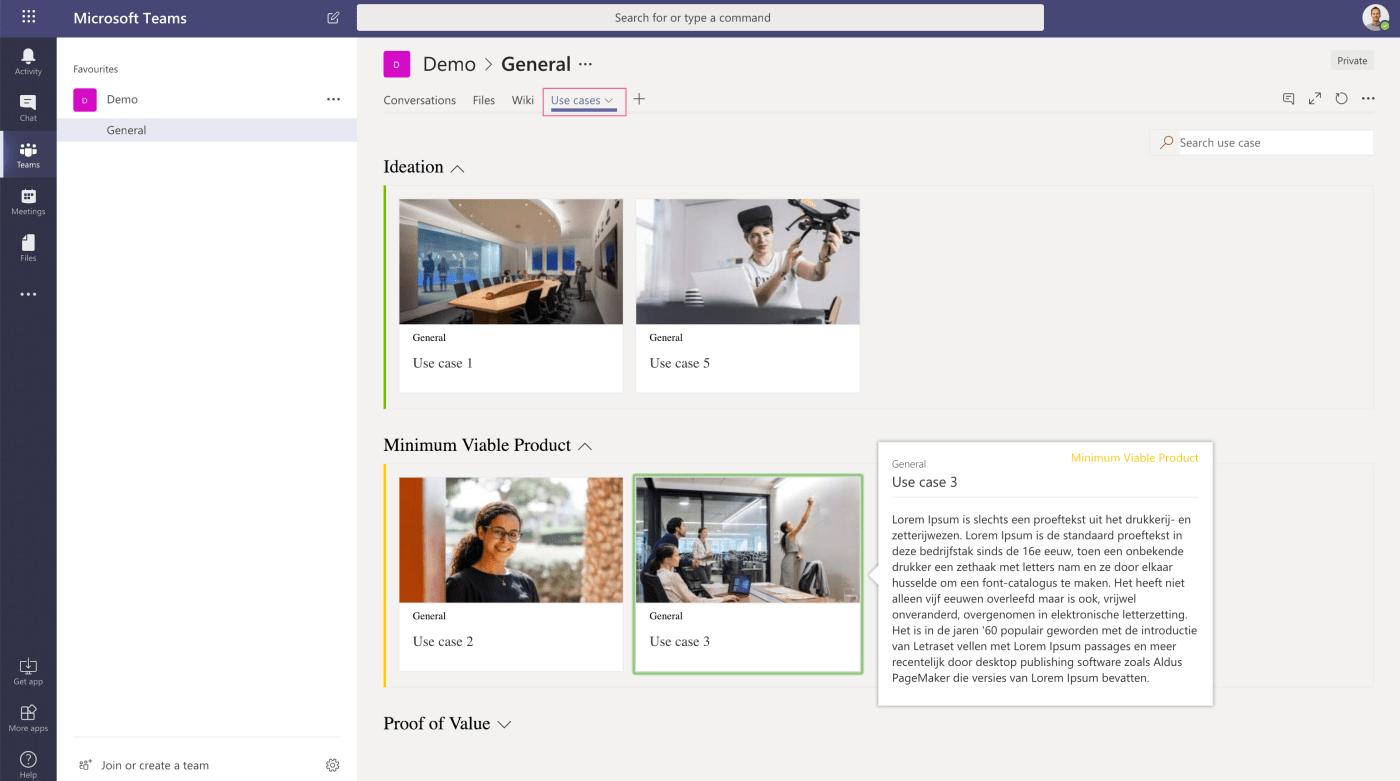
With version 1.7 of the SharePoint Framework (SPFx), Microsoft introduced the possibility to create Tabs in Microsoft Teams using the SharePoint Framework. This means already made investments in SharePoint web parts using SPFx, can now be ported to teams. One... Continue Reading →
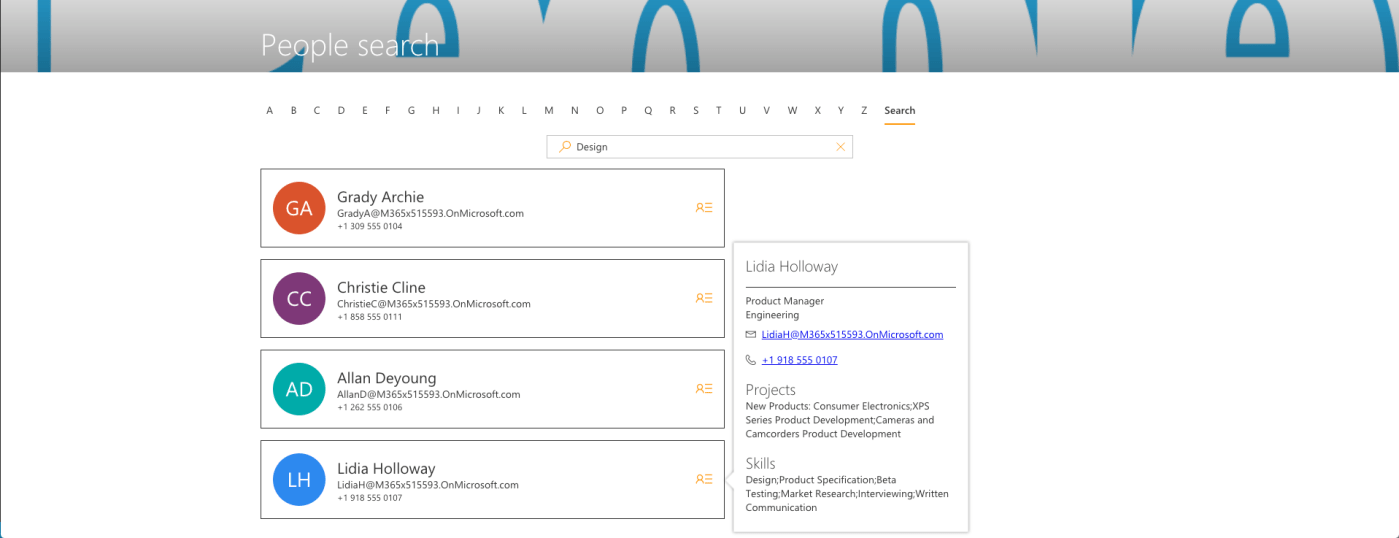
In my last blog post around the SharePoint (PnP) starter kit, I wrote about a search issue within this web part. I also wrote I advanced the initial people directory web part in order to display more information about a... Continue Reading →
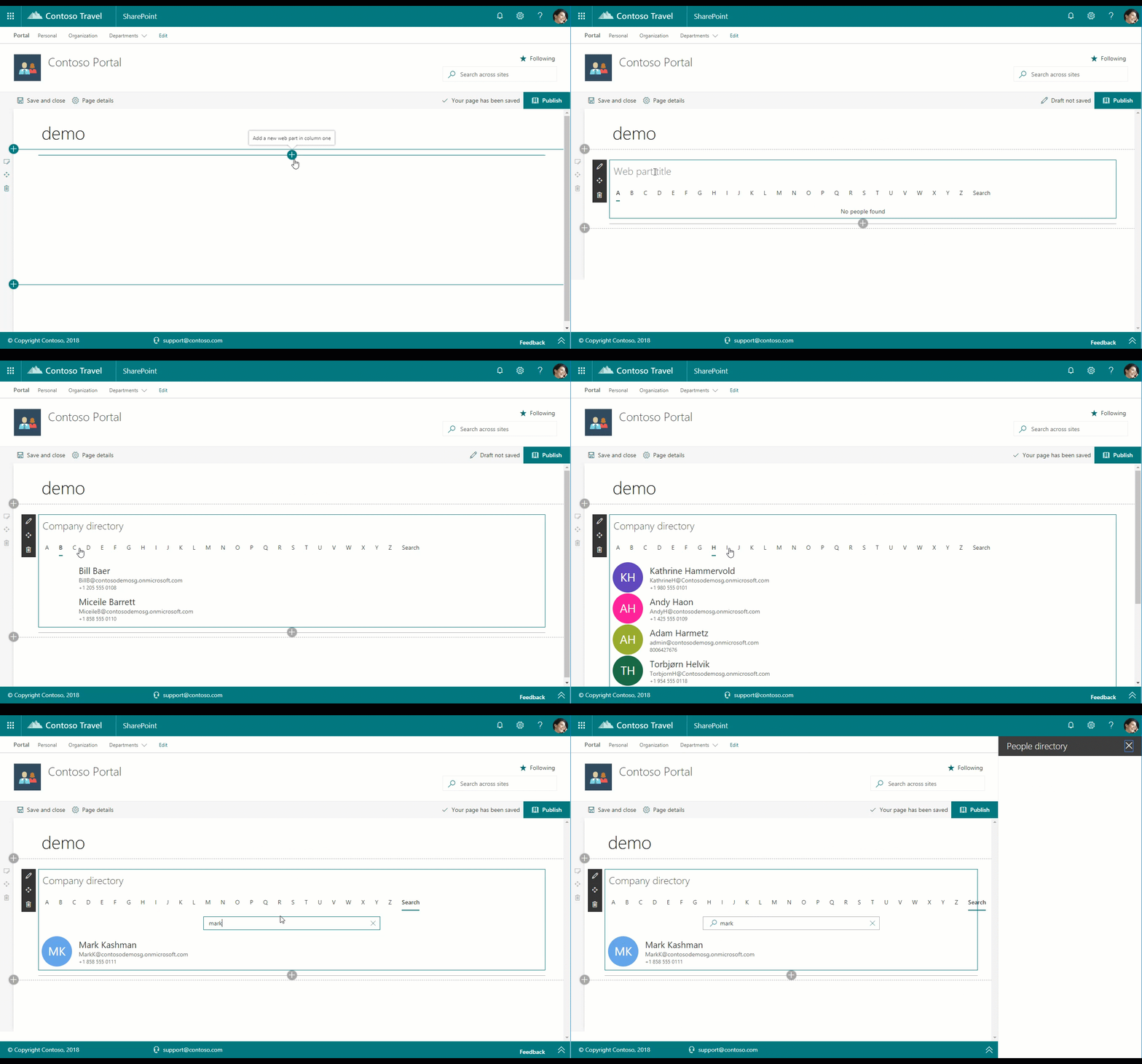
Lately I was working on a client intranet project. The client wanted a People directory and a possibility to search for people. During some refinement sessions, the demand to show some custom user profile properties in the people directory came... Continue Reading →
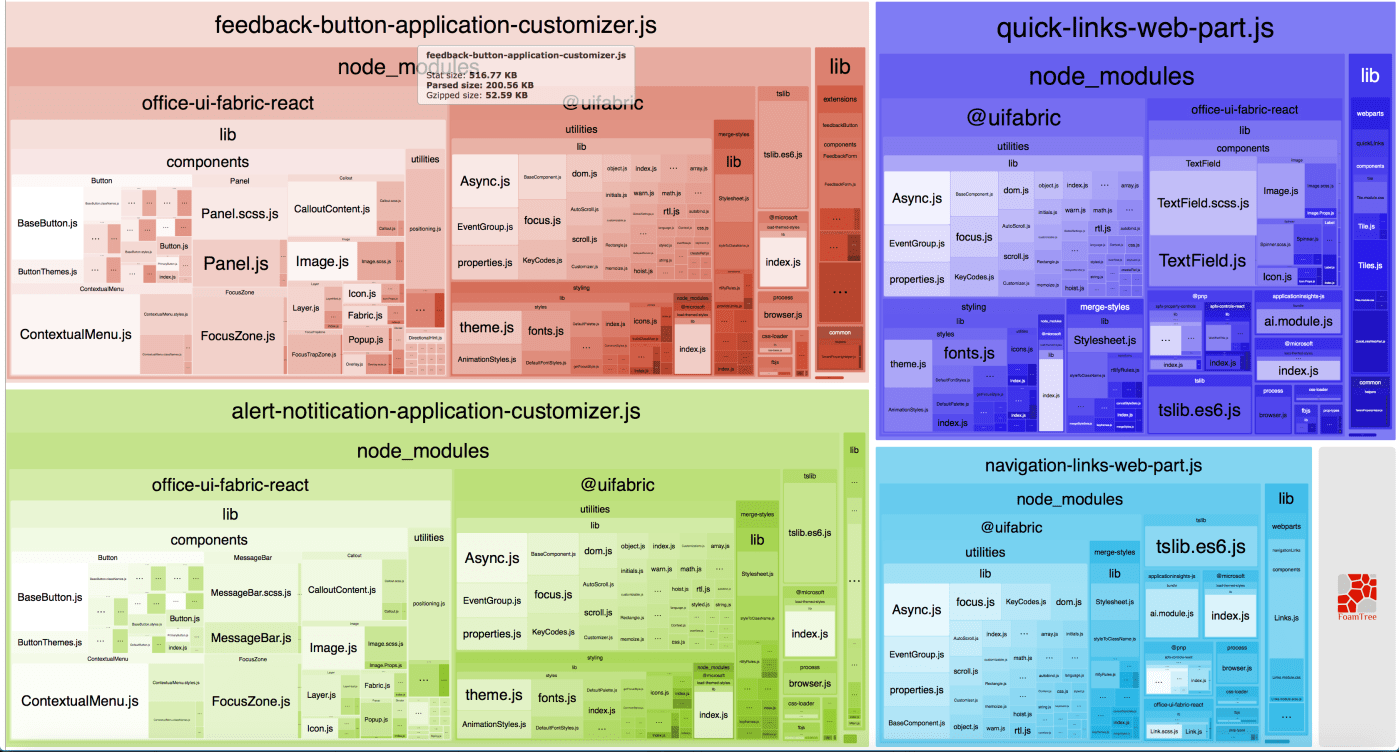
As posted in my previous blog post, I have been playing around with the PnP starter kit. For a client I wanted to use some of the web parts and extensions as a basis. I particularly mention basis, because the... Continue Reading →

Lately I have been contributing to the Office 365 CLI project on GitHub. The Office 365 CLI allows you to manage different settings of your Microsoft Office 365 tenant on any platform. CLI stands for a command-line interface or command language... Continue Reading →

 ROBERT SCHOUTEN